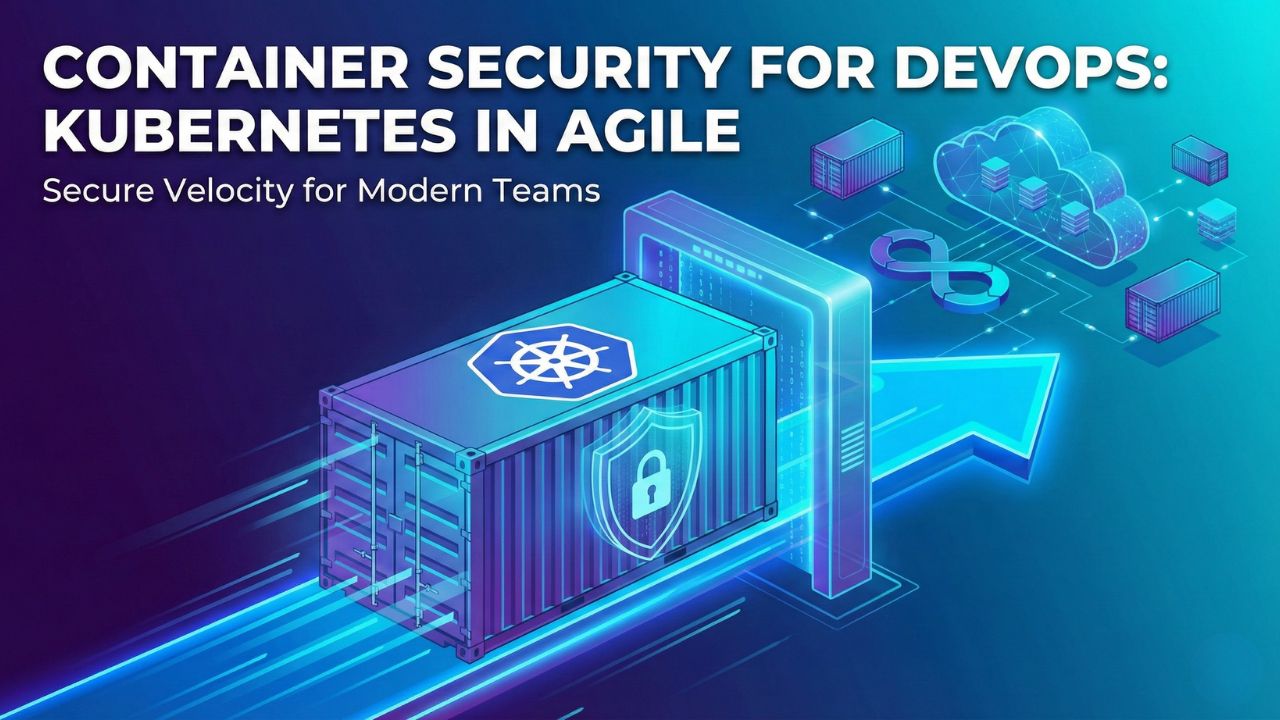
Container Security for DevOps: Kubernetes in Agile
Modern Scrum teams love containers. Docker and Kubernetes have revolutionized Agile delivery by allowing developers to "build once, run anywhere."
This consistency accelerates velocity, enabling teams to ship microservices dozens of times a day. However, this speed creates a paradox. While containers make deployment faster, they also expand the attack surface exponentially. A single misconfigured Kubernetes pod can expose your entire cloud infrastructure to the public internet.
In the world of Cloud-Native Application Protection Platforms (CNAPP), security cannot be an afterthought. It must be baked into the container image itself. This guide explores Kubernetes security best practices for 2026, helping Agile teams shift security left, securing the build before it ever hits the cluster.
1. The Threat: Vulnerabilities in the Registry
Most developers do not build containers from scratch; they pull base images from public registries like Docker Hub. This is convenient, but risky.
- The "Bloat" Problem: Standard base images often contain hundreds of unnecessary libraries, increasing the likelihood of unpatched vulnerabilities (CVEs).
- Supply Chain Poisoning: Attackers upload malicious images that look like popular tools (e.g., a fake "node-js" image) to trick developers into using them. This is a critical software supply chain risk.
Agile Action: Implement a "Golden Image" strategy. Instead of letting every developer pull from the public web, the DevOps team curates a set of hardened, scanned base images stored in a private registry.
2. Shifting Left: Scanning at Build Time
Waiting until a container is running to check for security is too late. In a mature Agile pipeline, security gates should block insecure builds automatically.
The Automated DoD (Definition of Done) for Containers:
- Lint the Dockerfile: Ensure the developer isn't running the container as "root" (a major security sin).
- Scan for CVEs: Tools like Trivy or Clair check the image layers against known vulnerability databases.
- Check for Secrets: ensure no API keys or AWS credentials were accidentally baked into the image layer.
If any of these checks fail, the build breaks. The feedback loop is instant, allowing the developer to fix the issue within the same Sprint.
3. Top 5 Container Security Tools for Agile Teams
To secure a Kubernetes cluster effectively, you need specialized tools that understand the ephemeral nature of pods.
- Sysdig: The gold standard for runtime security for containers, offering deep visibility into system calls.
- Aqua Security: A comprehensive CNAPP platform that covers everything from supply chain to runtime protection.
- Prisma Cloud (Palo Alto Networks): High-end security for enterprise clouds, integrating deeply with AWS and Azure.
- Trivy (by Aqua): An open-source favorite for simple, fast, and effective vulnerability scanning.
- Datadog Security: Excellent for teams already using Datadog for monitoring, unifying observability and security.
4. Hardening Kubernetes: Pod Security Standards
Kubernetes is secure by design, but insecure by default. Out of the box, K8s allows pods to talk to each other freely and often grants excessive permissions.
Critical Hardening Steps:
- Enforce Least Privilege: Use Role-Based Access Control (RBAC) to ensure a pod only accesses the specific API resources it needs. This aligns with Zero Trust Architecture principles.
- Network Policies: Treat your cluster like a network. Create policies that deny all traffic between namespaces unless explicitly allowed.
- Pod Security Standards (PSS): Replace the deprecated PodSecurityPolicies (PSP) with the new PSS admission controllers to prevent privileged containers from launching.
5. Managing Cloud Entitlements (CIEM)
In a cloud-native world, "Identity" applies to machines too. Your containers often need to talk to S3 buckets, databases, or message queues.
Cloud Infrastructure Entitlement Management (CIEM) focuses on right-sizing these permissions. If a container only needs to read from a database, it should never have write or delete permissions.
Automated tools can analyze usage patterns and strip away unused permissions, enforcing "Zero Trust" for your workload identities.
FAQ: Kubernetes & Container Security
Q: What is the difference between Container Security and Kubernetes Security?
A: Container security focuses on the contents of the image (vulnerabilities, malware), while Kubernetes security focuses on the orchestration layer (API access, network policies, and cluster configuration). You need both.
Q: Why shouldn't we run containers as root?
A: If a container running as root is compromised, the attacker effectively gains root access to the underlying host node, allowing them to escape the container and attack the rest of the cluster.
Q: What is a "Distroless" image?
A: Distroless images contain only your application and its runtime dependencies. They lack package managers, shells, and other standard OS programs, making them much smaller and harder for attackers to exploit.
Q: How often should we scan our container registry?
A: Continuously. New vulnerabilities are discovered daily. A container that was safe yesterday might be vulnerable today. Automated registry scanning ensures you are alerted immediately.
Sources and References
-
[cite_start]
- CNCF (Cloud Native Computing Foundation) – Cloud Native Security Whitepaper [cite: 304] [cite_start]
- Kubernetes.io – Pod Security Standards (PSS) [cite: 305] [cite_start]
- CIS (Center for Internet Security) – Kubernetes Benchmark [cite: 306] [cite_start]
- NSA/CISA – Kubernetes Hardening Guidance [cite: 307] [cite_start]
- Scrum Day India – DevSecOps 2026: The Guide to Secure Agile Delivery (Return to Pillar Page) [cite: 308]