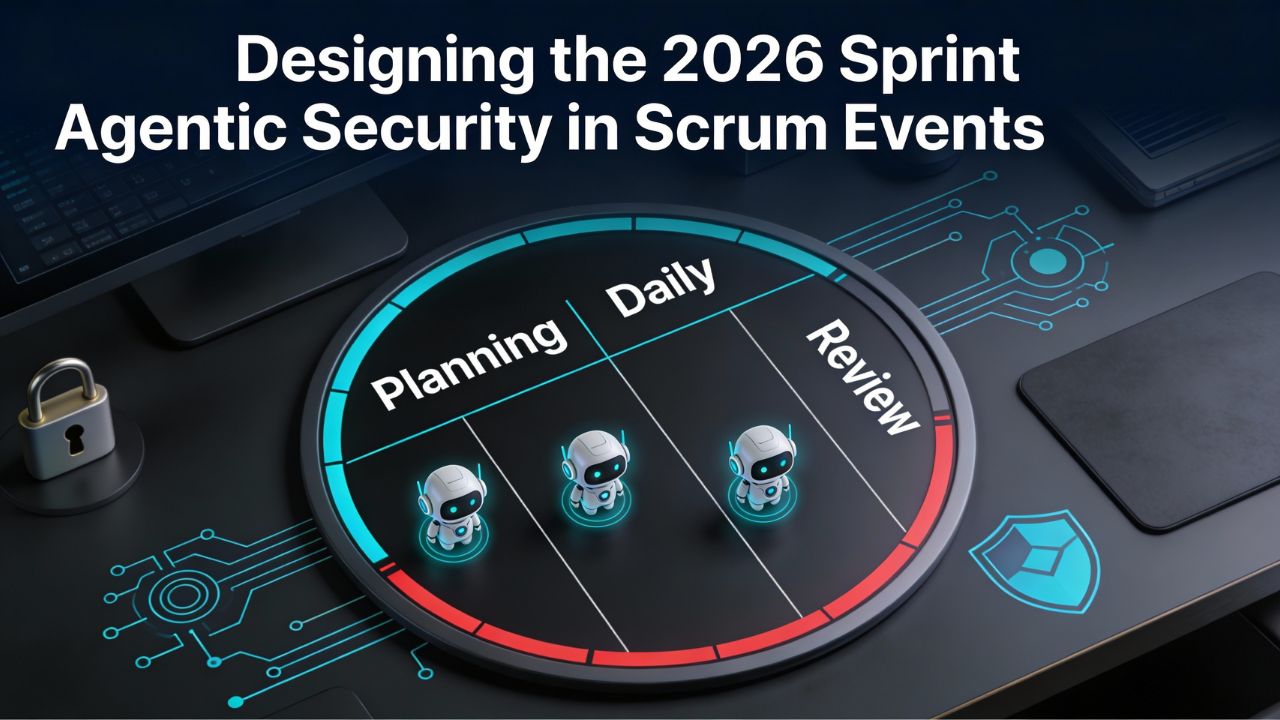
Designing the 2026 Sprint: Integrating Agentic Security into Scrum Events
How do you fit autonomous security agents, AI Red Teaming, and OAuth audits into a 2-week Sprint without exploding the workload? You don't add more meetings; you update your existing ceremonies. This is a practical guide to updating your Scrum events for the AI Era.
In 2026, the definition of a "high-performing team" includes the ability to work seamlessly with non-human team members. Security is no longer a phase; it is an agent that participates in your daily workflow. Here is how to redesign your Sprint for Agentic Security.
1. Sprint Planning: Budgeting for Security Compute Units
Sprint Planning is no longer just about Velocity and Capacity; it is about Cost Governance. AI security agents consume "Security Compute Units" (SCUs) every time they scan code or run a Red Team simulation.
- The New Conversation: "This feature involves a new LLM endpoint. Do we have the SCU budget to run a full PyRIT scan on it?"
- The Artifact: Update the Sprint Backlog to include "Security Token Budget" alongside Story Points.
- The Goal: Prevent "Cloud Bill Shock" by estimating the cost of securing the feature before you build it.
2. Daily Standup: The AI Agent as a Team Member
Your AI Security Agent never sleeps. In the Daily Scrum, it should have a voice (via a dashboard or a ChatOps bot).
- The New Question: "Did the Security Agent flag any blockers overnight?"
- The Workflow: If the automated Red Team found a vulnerability in yesterday's commit, that is an immediate impediment. The team addresses it before writing new code.
- The Mindset: The agent isn't "nagging"; it's pairing with you to keep the build green.
3. Sprint Review: Demoing the "Red Team" Report
Stakeholders love to see working software. In 2026, they also need to see secure software. Don't just demo the feature; demo the safety of the feature.
- The New Demo: Show the "Red Team Report" alongside the product increment. "Here is the new Chatbot, and here is the report showing how it resisted 500 automated injection attacks."
- The Benefit: Builds immense trust with stakeholders and compliance officers. It proves that security is a feature, not an afterthought.
4. Retrospective: Analyzing "False Positives"
AI agents aren't perfect. They can block valid code (False Positives) or miss subtle bugs (False Negatives). The Sprint Retrospective is the perfect place to tune your non-human team member.
- The New Analysis: "Why did the agent block the deployment on Tuesday? Was the rule too strict?"
- The Action Item: Tune the AI's parameters. Teach it the context it missed. Treat the agent's configuration as part of the team's working agreement.
- The Result: The agent gets smarter every Sprint, and developer friction decreases.
[How-To] Security-First Sprint Planning Checklist
| Step | Action | Owner |
|---|---|---|
| 1 | Review SCU Budget for upcoming features | Product Owner |
| 2 | Audit new 3rd-party OAuth permission requests | Tech Lead |
| 3 | Confirm Red Team tools (PyRIT/Garak) are configured | DevSecOps Engineer |
| 4 | Update Definition of Done to include "Scan Passed" | Scrum Master |
FAQ: Agentic Workflows in Scrum
How do we budget for Security Compute Units?
A: Treat SCUs like story points but for infrastructure cost. Estimate how much processing power your AI security agents will need to Red Team the new features in the upcoming sprint.
What is the role of an AI Agent in the Daily Scrum?
A: The AI Agent acts as a silent team member that flags blockers, such as failed security scans or new vulnerabilities, allowing the team to address them immediately rather than waiting for a separate security review.
Why demo a Red Team report in the Sprint Review?
A: Demoing the Red Team report proves that the product increment is not just functional but also secure. It builds trust with stakeholders by showing that AI risks have been actively tested and mitigated.
How do we handle 'False Positives' in the Retrospective?
A: Use the Retrospective to analyze why the AI Agent flagged a false positive. Was the rule too strict? Did the context change? Tune the agent's parameters to improve accuracy for the next sprint.